


Keep your content current.
Edit text and images, check the page and publish when it is ready.
COOCOO CMS / MADE FOR THE WAY YOU WORK
Your pages, products and day-to-day content, in a workspace shaped around your business.
Discuss your CMS↗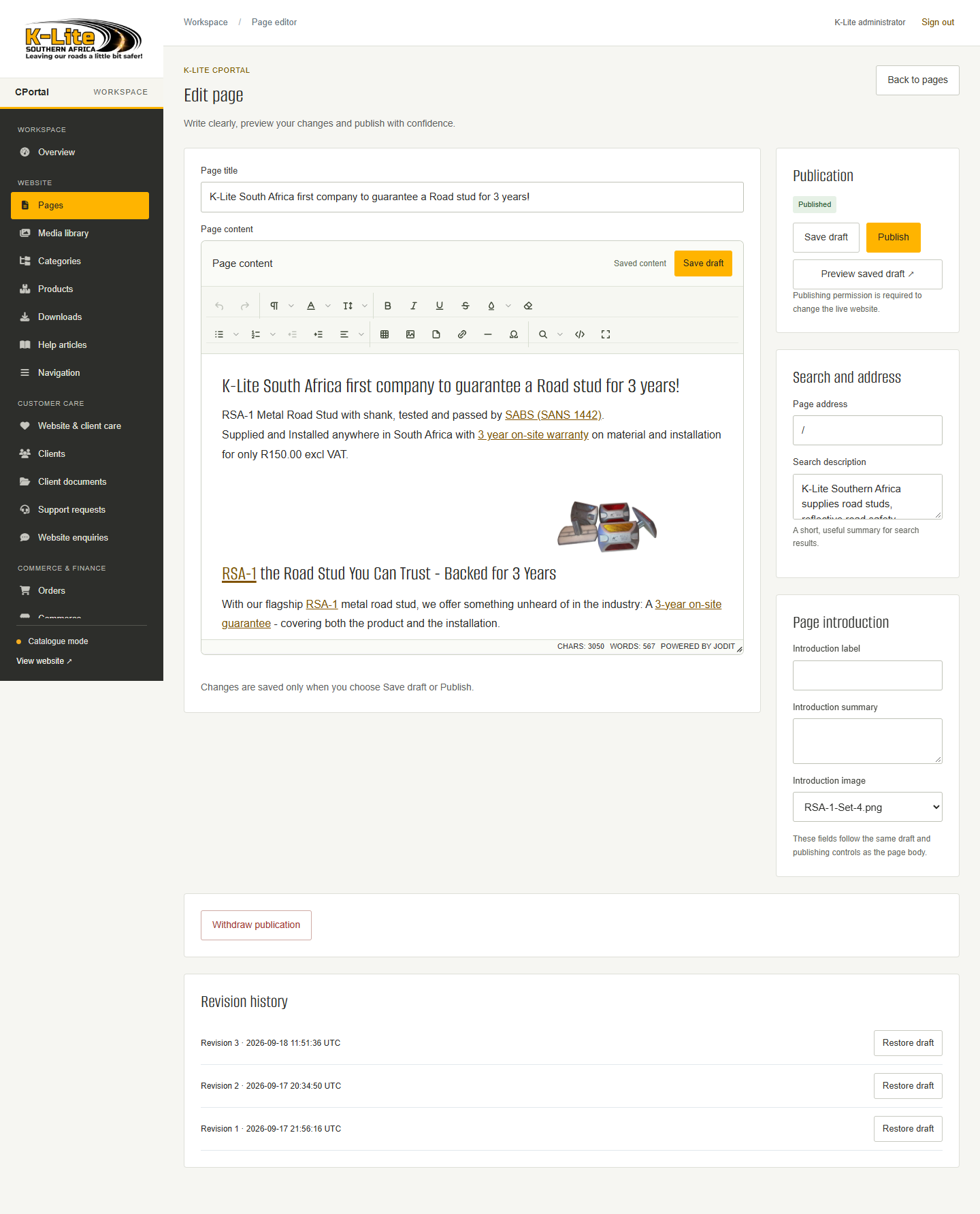
Edit with context. See what comes next.
Meet the workspaces ↗THE BUSINESSES BEHIND THE WORK
Client projects and our own brands.
LESS FRICTION, MORE CONTROL
A CMS should make useful work straightforward. Start with a website you can manage, then shape any specialist workflow around your business.
Edit text and images, check the page and publish when it is ready.
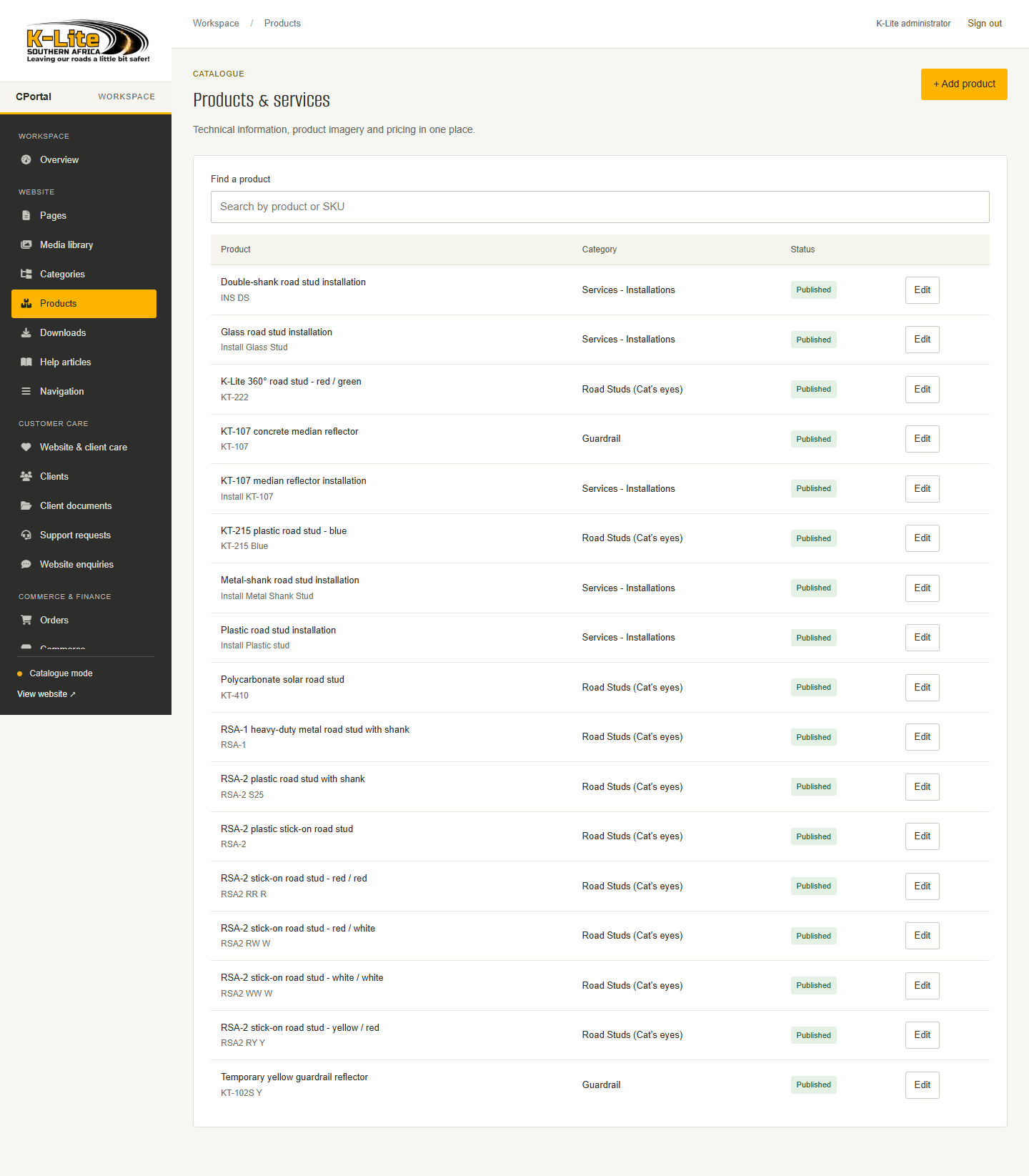
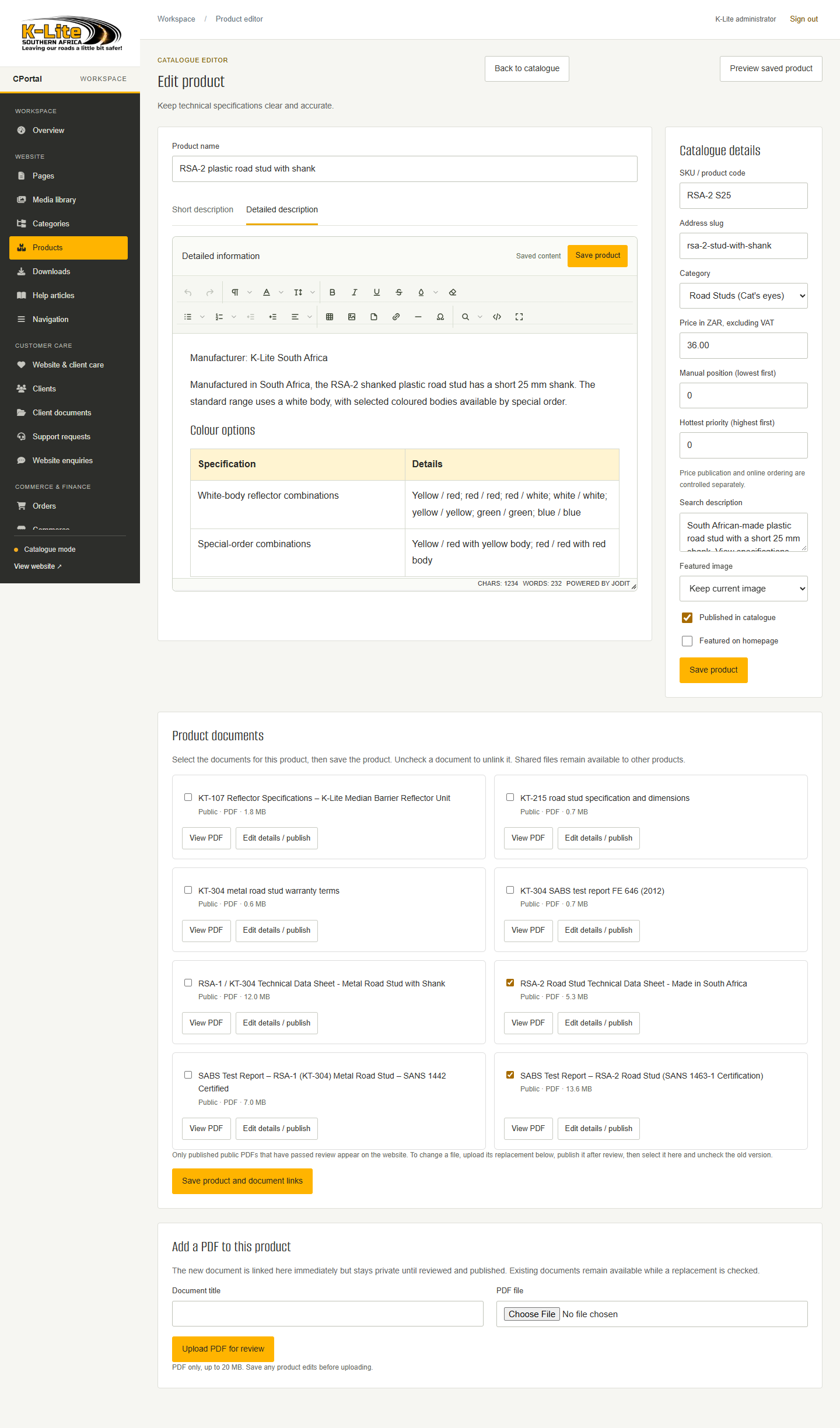
For K-Lite, product details, specifications and documents belong together in a dedicated catalogue.
The K-Lite page editor keeps page content and preview in one specialist workspace.
 View full screen ↗
ONE COMPLETE STARTING POINT
Standard brings one complete custom website and CooCoo CMS together for one site. The agreed website scope sets the work, not a page-count limit.
See what Standard includes↗Custom website + content management
FROM IDEA TO EVERYDAY USE
You review the website and its editing experience before launch.
We map your content, users and the jobs the website needs to do.
Review the design and try the editing tasks using your own content.
Leave with a working site and the confidence to manage the agreed content.
YOUR NEXT CHAPTER
Tell us about the website, the people and the work behind it.